Bring your
websites to life.

Keep the whole page. Record the scroll. Turn the work you built into something you can show.

Free essentials. One-time Pro. Your captures stay on your computer.

PNG / JPEGPDFWEBMMP4 / GIF PRO
RECORDED WITH PAGEMOVO PRESS PLAY
A real scrolling capture, recorded and exported with PageMovo.
Open your page in ChromeChoose your capture image, PDF or videoMake it yours and export

One page, many ways to keep it

Built for the handoff.

Screenshots for a review. A PDF for the archive. A scrolling video for the portfolio.

PNG / JPEG

The whole page, in pixels.

Save the full page or just what’s in view. Crisp images, ready for a review, portfolio or handoff.

PDF

A page you can pass along.

Keep a page in your project files. Export one continuous image PDF or neatly paginated A4/Letter pages.

WEBM · MP4 & GIF WITH PRO

A tour with breathing room.

Record a smooth, silent scroll. Set the pace, hold on the details and review the recording before you save.

A studio beside your site

Keep your page
in the picture.

Open the side panel from the toolbar, choose a genuine responsive CSS layout, then capture. Your original window and scroll return when the work is done.
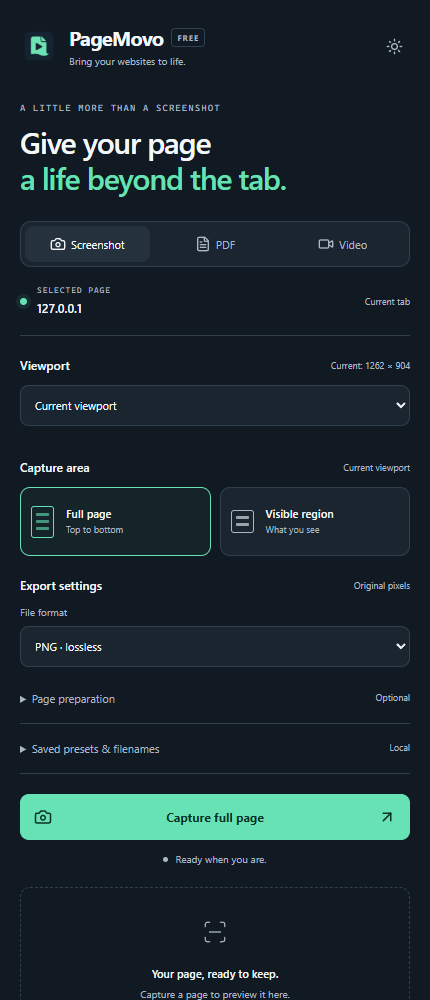
  • Capture the whole page or a visible region
  • Pause CSS animations for stills and PDFs
  • Preview your actual export before downloading
PageMovo Free capture controls in Chrome, including viewport, full-page screenshot and export settings
YOUR CAPTURE CONTROLS. RIGHT BESIDE THE PAGE.

Same site. A different perspective.

Made for every
side of your site.

Give desktop, tablet and mobile layouts their own moment. PageMovo resizes the page so the layout actually reflows.

DesktopTabletMobile

Need an exact breakpoint? Pro lets you enter your own viewport width and height in pixels, so you can capture the layout your project needs.

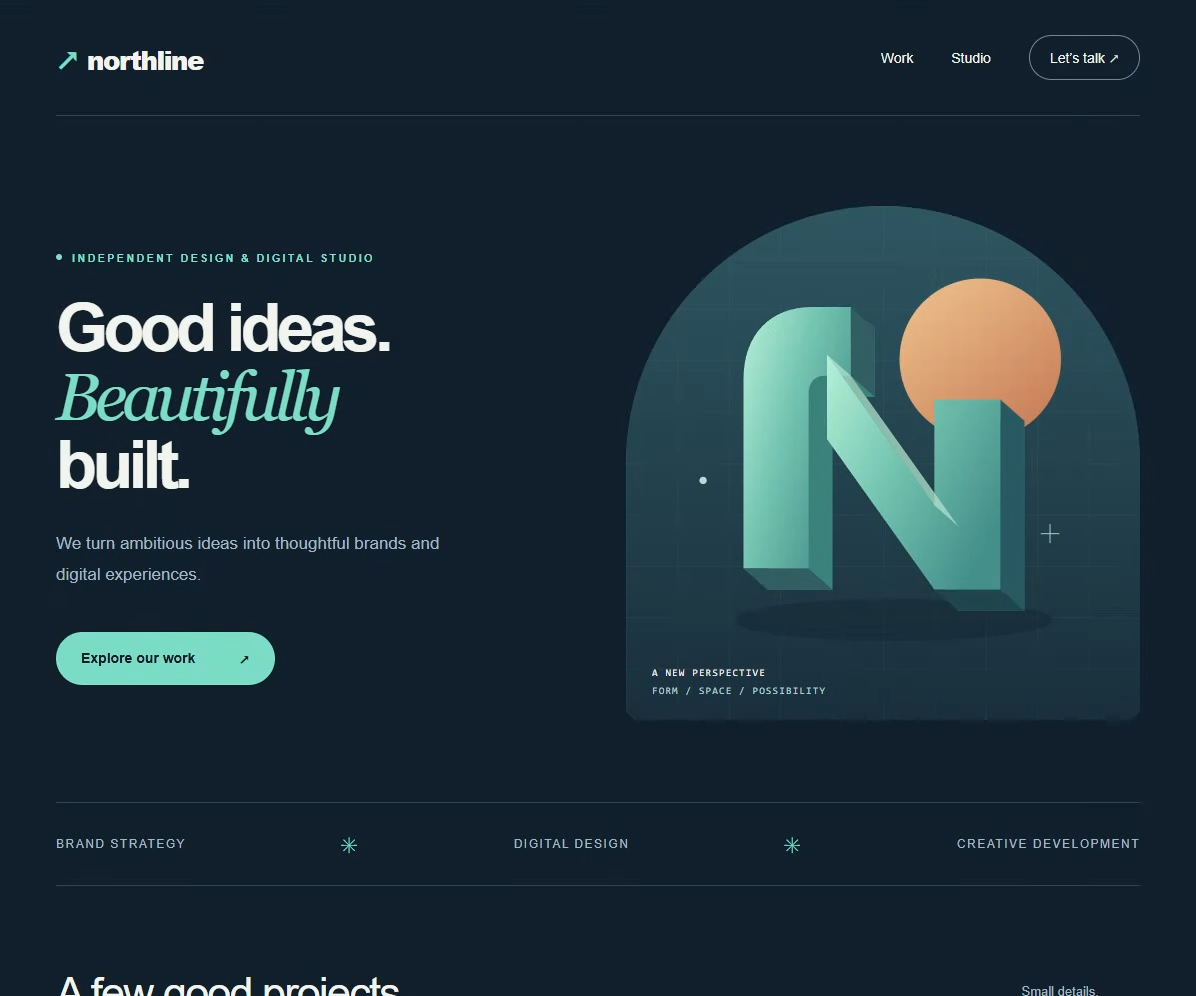
An original demo website, shown in desktop and mobile layouts. PageMovo captures responsive CSS layouts, without phone hardware emulation.
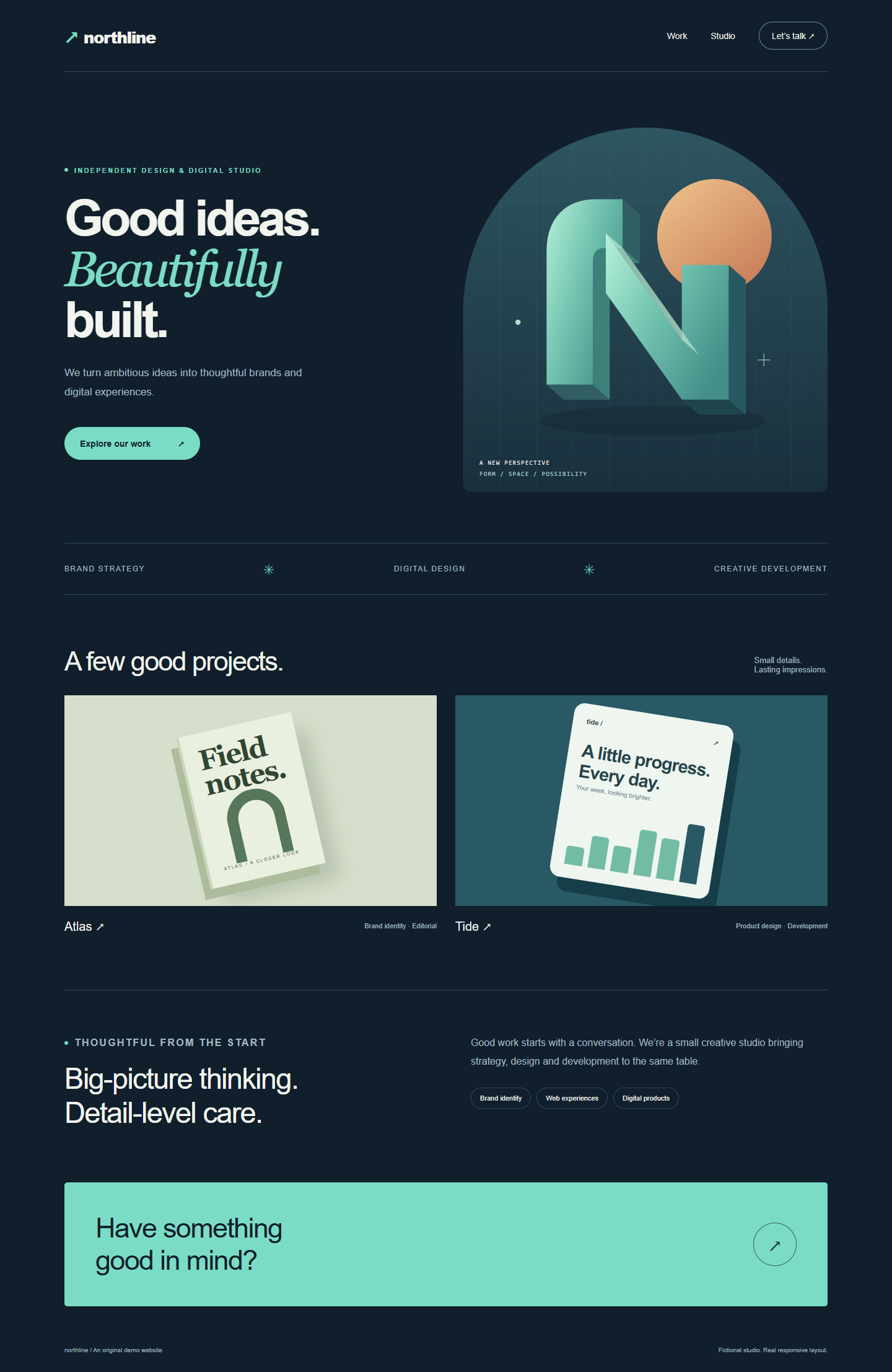

northline.example
Desktop capture of Northline, a fictional studio website with a two-column layout and mint architectural artwork
Mobile capture of the same fictional studio website, with its text and original artwork stacked into a narrow layout
One demo website. Two responsive layouts.

Choose your workflow

Choose your capture toolkit.

Free

$0 USD

Useful from the first capture.

  • Watermark-free PNG/JPEG and raster PDF
  • Silent WebM, up to 720p and 60 seconds
  • Desktop, tablet and mobile CSS layouts
  • Local preview, downloads and settings
  • No account or backend required
Available in the Chrome Web Store

Free essentials. No account required.

Pro Launch price

$19.99 USD · one-time

Everything in Free, plus control over every capture.

  • Custom viewport width and height in pixels
  • MP4/GIF, tours up to 5 minutes and advanced video quality controls
  • Browser, phone, tablet and laptop frames with custom styling
  • Multiple responsive layouts and formats in one ZIP pack
  • Director checkpoints, Smart section detection and interaction replay
  • Pick elements to hide, blur or mask with Clean Mode
  • Batch URL captures and before/after comparisons
  • Branded showcase reels and up to 50 global or site presets

Explore every Pro feature ↓

Buy Pro · US$19.99

One payment. Two active installations. No subscription.

Everything in Pro

Your page. Your dimensions. Your presentation.

Fine-tune a single capture or prepare a whole project for your next client handoff. Every Free feature is included, with these tools added to the same extension.

Custom viewport dimensions
Enter an exact width and height in CSS pixels: 240 to 3840 px wide and 240 to 2160 px high. Capture your own breakpoints with genuine responsive layout reflow.
More video formats and quality controls
Export MP4 or GIF as well as WebM. Record tours up to 5 minutes, choose 720p, 1080p, 4K or source resolution, target 24/30/60 fps and adjust bitrate from 1 to 40 Mbps. Review actual output dimensions and measured frame rate.
Frames that fit your presentation
Add a browser, phone, tablet or laptop frame, or a frameless canvas. Set colors, solid or gradient backgrounds, padding, corner radius and shadow. Transparent backgrounds are available for PNG/PDF.
Responsive capture packs
Capture desktop, tablet, mobile and custom viewports in PNG, JPEG, PDF, WebM, MP4 or GIF. Bundle your chosen layouts and formats into one ZIP for a complete handoff.
Director checkpoints
Build a guided page tour with up to 20 checkpoints. Choose where to pause, how long to hold, and the speed and easing between points.
Smart Capture section detection
Analyze page sections, spot pending images and layout warnings, then turn detected sections into editable Director checkpoints.
Clean Mode element picker
Click page elements to temporarily hide, blur or cover them with a solid mask. Preview the changes and reuse the rules in a site preset. Your page is restored after capture; review the export before sharing.
Intentional interaction recording
Opt in to record and replay supported menus, disclosure controls, tabs, hovers and scrolls in a video. Capture up to 50 steps over 60 seconds, without recording typed text, passwords, form submissions or purchases.
Batch capture across URLs
Work through an explicit list of approved pages with sequential captures, progress, pause and cancel controls, predictable filenames and ZIP export.
Before-and-after comparisons
Compare page versions or different URLs at the same viewport. Use side-by-side, an overlay slider or a pixel-difference view, then export the comparison as a PNG.
Branded project showcase reels
Combine and trim multiple clips, add cuts or fades, intro/outro text and your logo, then export WebM or MP4. Choose landscape, square, portrait, hero or feed layouts.
Up to 50 reusable presets
Save capture settings globally or for a specific site, including viewport, presentation and Clean Mode rules. Import/export presets as JSON and use filename templates to keep your captures organized.

Captures are processed locally. Custom viewports depend on Chrome’s available window and zoom range; they do not emulate device hardware. HD/4K requires enough actual source pixels and codec support, without upscaling. Frame rate, bitrate and duration depend on hardware and memory limits. GIF is limited to 10 seconds, 10 fps and 640 px per edge.

Get every Pro feature · US$19.99

Your pixels stay with you.

Capture processing runs on your computer. No capture uploads or extension analytics. Pro licensing and transactional emails use your purchase details, never your captures or page URLs. Website analytics use cookie-free measurement. Your pages stay yours.

Before your first capture

A few useful answers.

Do I need a subscription?

No. Free needs no account. Pro is US$19.99 as a one-time purchase for two devices, with no recurring subscription.

How does Pro activation work?

After a verified purchase, you receive a license code to enter in PageMovo. Your license can activate two devices. The extension periodically checks its signed license and supports an offline grace period.

Can PageMovo capture any website?

Use it on ordinary HTTP/HTTPS pages you are allowed to capture. Chrome internal pages and the Web Store are protected. Infinite feeds, nested scrolling and unstable layouts may be incomplete. Always review your export.

Are PDFs searchable? Is video recorded with sound?

PDFs contain captured page images, so their text is not searchable or selectable. Website tours are silent. CSS animations pause by default for screenshots and PDFs; video keeps motion.

Does Mobile mode emulate a phone? Can I export 4K?

Mobile mode resizes the actual page for responsive CSS reflow; it does not emulate phone hardware. 1080p and 4K require enough actual source pixels and supported codecs. PageMovo does not invent detail by upscaling.

Made for the pages you build

Keep the page.
Show the whole story.

Built for desktop Chrome. Made for the work you want to show.